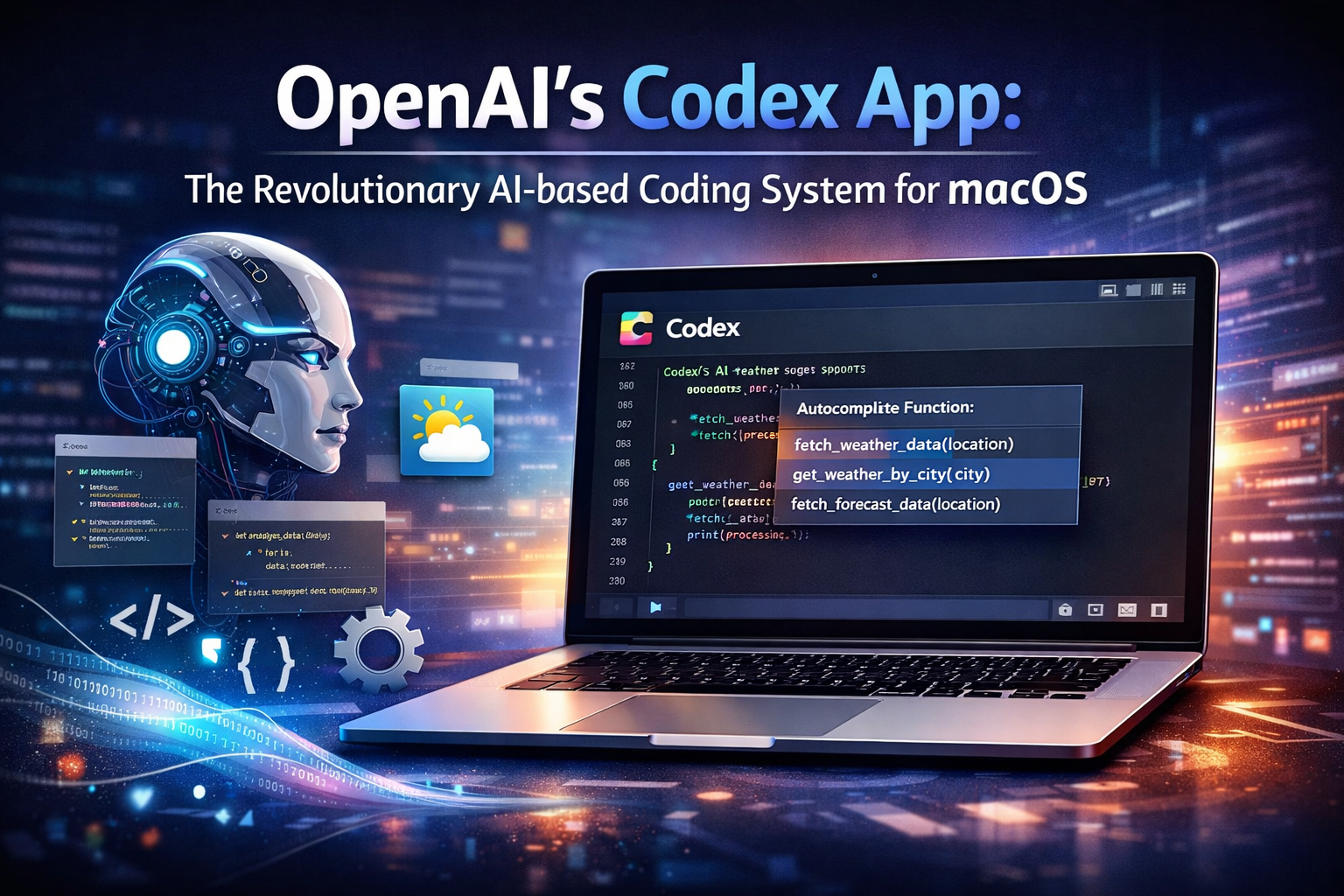
OpenAI has recently launched a dedicated desktop application for Codex— its AI-based coding system. And this new tool has revolutionized the world of software development.
How so?
The Codex app for Mac has completely transformed how software developers interact with AI while building an app! With Codex, you don’t have to switch between your browser and the code editor. Instead, it brings you an all-in-one hub that takes developer productivity and project management to the next level.
So, what are the features offered by Codex, and how can it result in faster workflows? We’ve got all of that covered in this blog. Let’s stick till the end to know it all.

Before we get into the details, it’s important to understand the basic functions of Codex and what additional features it has to offer.
Well, it’s not some chatbot that answers your queries! Instead, it is a generative AI app for Mac that enables you to handle several coding tasks simultaneously.
Simply speaking, Codex serves as a command center. It consists of multiple AI agents that work on different branches of your specific project.
What’s best about the interface is that it feels fast and responsive. It uses the GPT 5.2-Codex model that helps you handle complex coding tasks in parallel.
Therefore, developers across the world can now handle long-running tasks within a few minutes, which used to take days or even weeks to complete!
Now, let’s take a look at some of the OpenAI Codex features and benefits-
For new-age software developers, Codex is like having a personal assistant—it’s got your back! And it doesn’t require sleep to function properly! Added to that, it is also aware of every library that you use in your workflow.
Other than that, it also syncs with your IDE or CLI extensions. So, doesn’t matter whether you were working in VSCode or the terminal. It will seamlessly pick up right where you left off. This maintains the consistency of your context all along.
What’s best is that the AI coding assistant offers a ‘Skills’ library. You can easily reuse them to automate your workflows seamlessly. This helps free up your time and your mind so that you can focus on creative solutions and architecture.
Codex can serve as a diligent and fast assistant that every software developer would like to have!
But what are the advantages of using OpenAI Codex for software development?
Let’s take a closer look-

When it comes to real-world OpenAI Codex use cases, what does it help you build?
Well, it can help you build functional prototypes, that too, from a single, natural language prompt! How so?
Well, OpenAI recently demonstrated the system’s capabilities in this way! It prompted Codex to build a full-scale racing game from scratch, using a single prompt.
And surprisingly, Codex was able to handle every single aspect of the game, right from its basic UI design to development. It also ran the game to make sure that everything was functioning on point!
Other than that, Codex also comes with tools that help convert Figma designs into production-ready React components. OpenAI has also integrated ‘automations’ inside the app. This allows developers to schedule background automations that help identify security vulnerabilities. Not just that, but it can also help check for bugs in your code, summarize CI failures, etc.
So, is Codex the best AI for app development?
Well, with the swarm of features and benefits it offers, many software developers believe Codex is the best choice, especially for the macOS platform. From offering separate project terminals to bug identification and immediate test runs, this app allows a level of granular control that software developers would love to have in today’s day and age!
Finally, we’ve come to the part that you have been waiting for patiently!
So, how much will it cost you to get the Codex app? Well, there is no separate pricing for OpenAI Codex, as it is included with your current ChatGPT subscription!
For instance, if you are already paying for ChatGPT Plus ($20/ month), you would have limited access, which would allow you to have a few coding sessions in a week.
Again, if you are paying for the ChatGPT Pro ($200/ month), you get higher usage limits and code reviews.
And if you want to use Codex for your Startup, the best plan is the ChatGPT Business plan ($30/ month), which lets you enjoy all the ‘Plus’ features along with enhanced privacy and extended usage limits.
With OpenAI’s revolutionary tool, software developers are now expected to serve as architects rather than typists! And Codex happens to lay a robust foundation for this transition to happen seamlessly.
Having said that, if you like to share insights on such latest innovations in the tech world, we at The Tech Trendz would love to hear from you! Send us your writings under our technology blogs write for us section, and if you seem fit, you’ll be joining our community soon!
The OpenAI Codex app is a dedicated desktop application for the Mac operating system. It is kind of a one-stop solution with multiple AI agents that help software developers manage their tasks efficiently.
Developers can generate code, edit it, and run it simultaneously without any issue. Other than that, the Codex app also helps you automate workflows, which helps reduce the overall project timeline.
The Codex app for macOS is available for any user who has a ChatGPT Plus, Pro, or Business subscription.
The native Codex app is exclusive to macOS. But the Codex CLI can be used on Windows and Linux.
The Codex app launch is of prime significance, as it has brought about a revolution in the software development sector. It serves as the perfect assistant for developers and comes with multiple AI agents that can handle several tasks effortlessly and efficiently.

Mr. Robert Willson is one of the few geeks who never gets tired when it comes to technology. From the latest gadgets to AI and machine learning, Mr. Willson translates them into easy-to-digest insights. Where there is tech, there is him!
 OpenAI’s Codex App: The Revolutionary AI-based Coding System for macOS
 Van Hire Edinburgh: Reliable, Affordable, and Flexible Transport Solutions
 The Epstein Files Update on Silicon Valley’s Renowned Tech Titans
 Top Web Development Trends that are Redefining Developers’ Playbooks in 2026
 Why Sending the Same CV to 50 Jobs is Costing You the Interview