Your site loads slowly, buttons feel sluggish, and content jumps around while visitors try to read it. Sound familiar? Poor Core Web Vitals is the culprit.
Core web vitals that load quickly, respond smoothly, and maintain visual stability are more likely to satisfy users and perform better in search results. Understanding and improving these metrics can help businesses strengthen their online presence.

Core Web Vitals 2026 are Google’s measurements for evaluating a website’s user experience. For 2026, the three core web vitals are,
These metrics help website owners understand how users experience their pages in real-world conditions.
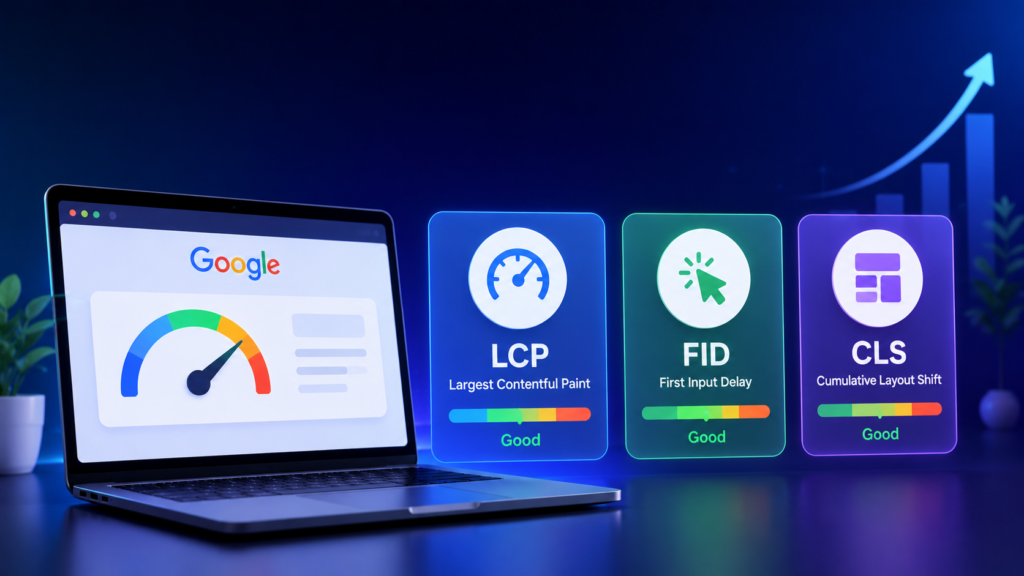
The largest contentful paint measures the accurate time taken for the main content to load on the page. This usually contains an image, a video, or a headline. LCP optimization shows that every second counts. For example, a page which looses 5 seconds to display its content loses almost half of its visitors before they even tend to read the content. Fixing LCP has certain procedures.
Interaction to Next Paint replaced First Input Delay (FID) as the official interactivity metric in March 2026. Why INP replaced FDI in 2026 is a known answer. INP tracks responsiveness across every interaction during a visit — clicks, taps, and keyboard inputs. In practice, INP is much harder to pass than FID was.
According to Google’s web.dev documentation, Interaction to Next Paint (INP) replaced First Input Delay (FID) as a Core Web Vital.
Cumulative Layout Shift measures the visible content while the page loads. If the buttons, images, or texts move unexpectedly, users might get irritated. A visually stable website is always appealing to users. If you have ever tried to tap a button only to have an ad load above it and push everything down, you have experienced a layout shift.
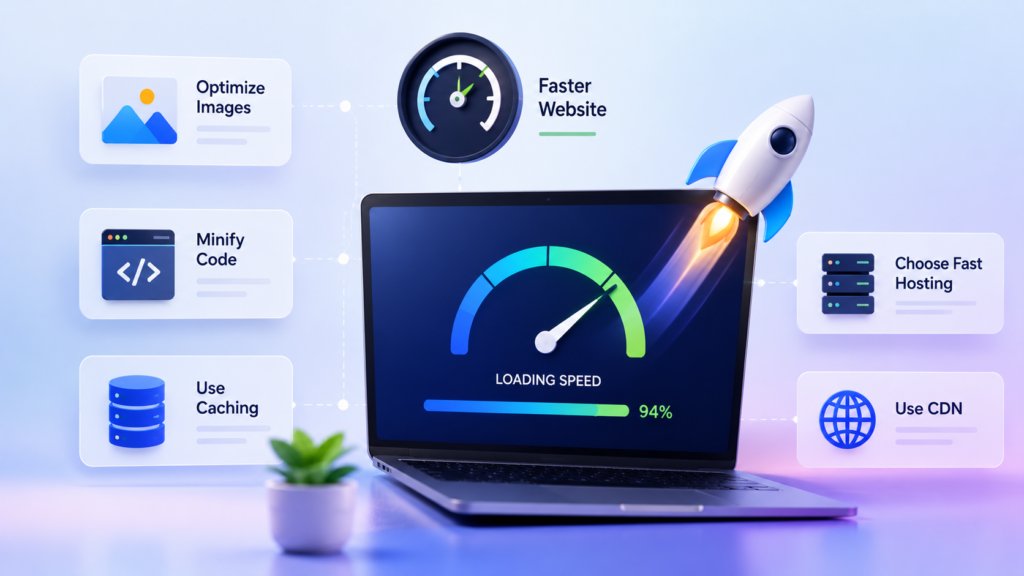
These formats can reduce image file sizes by 25% to 50% compared to JPEG and PNG. Smaller images help pages load faster.
According to Google Core Web Vitals Rank Boost, if your website has key content at the top of the page, use a preload tag so the browser starts downloading it immediately. Slower downloads reduce visibility.
According to user experience metrics, slow server response times can disrupt website speed. Upgrading from basic shared hosting can improve performance.

According to Google Core Web Vitals ranking boost, too many chat widgets, tracking tools, and plugins can slow down your website. Keep your website clean. Only cater to the ones that are truly important for your business.
When a website tries to process too much information at once, it can become slow and unresponsive. Core Web Vitals threshold 2026 explained that splitting large tasks into smaller parts helps the site respond more smoothly to user actions.
WordPress optimization for core web vitals says that a cleaner and less complicated page layout helps browsers load and display content more quickly, increasing the user friendliness.
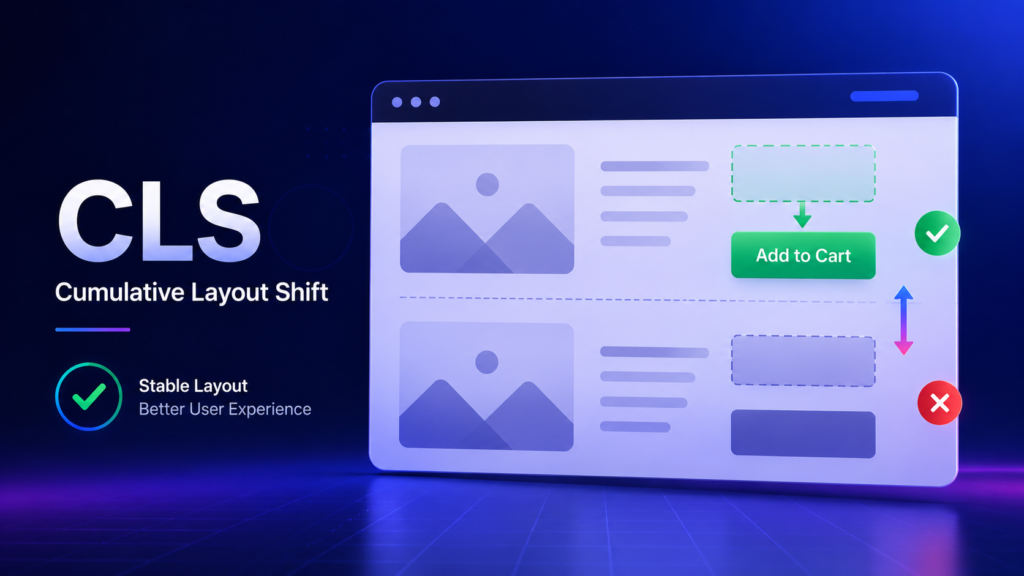
This lets the browser reserve the correct space before the asset loads. Use CSS aspect-ratio for responsive designs. This prevents invisible text and minimizes reflow when the custom font appears.
An overly crowded website, with a lot of advertisements, frustrates the users. Use min-height on ad containers so content below them does not jump when ads load.
Adding new content, advertisements, banners, or pop-ups above existing content while a page is loading can cause elements to suddenly move around. This creates a poor user experience and increases the Cumulative Layout Shift (CLS) score. To prevent this, always reserve space for dynamic content.
Fixing LCP, INP, and CLS for SEO includes creating a faster, smoother, and more user-friendly website experience. By optimizing these Core Web Vitals, businesses can improve visitor satisfaction and strengthen their overall SEO performance.
According to expert web developer Martin Splitt, “Performance is about respecting your users.” This quote reflects Google’s ongoing emphasis on user experience. Faster websites not only perform better but also help build trust among the visitors.
The Economic Times improved its website speed for better visibility. They enhanced mobile performance to create a better user experience. Faster page loading helped users access content more efficiently. This contributed to improved engagement metrics. This example demonstrates how performance optimization can benefit both readers and publishers.
| Metric | What It Measures | Common Issues | How to Improve |
| LCP | Measures how quickly the main content of a page becomes visible to users. | Large images, slow server response times, render-blocking resources | Compress images, use WebP or AVIF formats, improve hosting, and preload important content. |
| INP | Measures how quickly a website responds when users click, tap, or interact with the page. | Heavy JavaScript, long processing tasks, excessive third-party scripts | Reduce JavaScript usage, defer non-essential scripts, and remove unnecessary plugins. |
| CLS | Measures the visual stability of a page while it loads. | Images without dimensions, ads, pop-ups, dynamically inserted content | Reserve space for images and ads, and avoid unexpected layout changes. |
| User Benefit | Reflects the overall browsing experience visitors receive on your website. | Frustrating delays, lag, and content shifting | Focus on speed, responsiveness, and visual stability across all pages. |
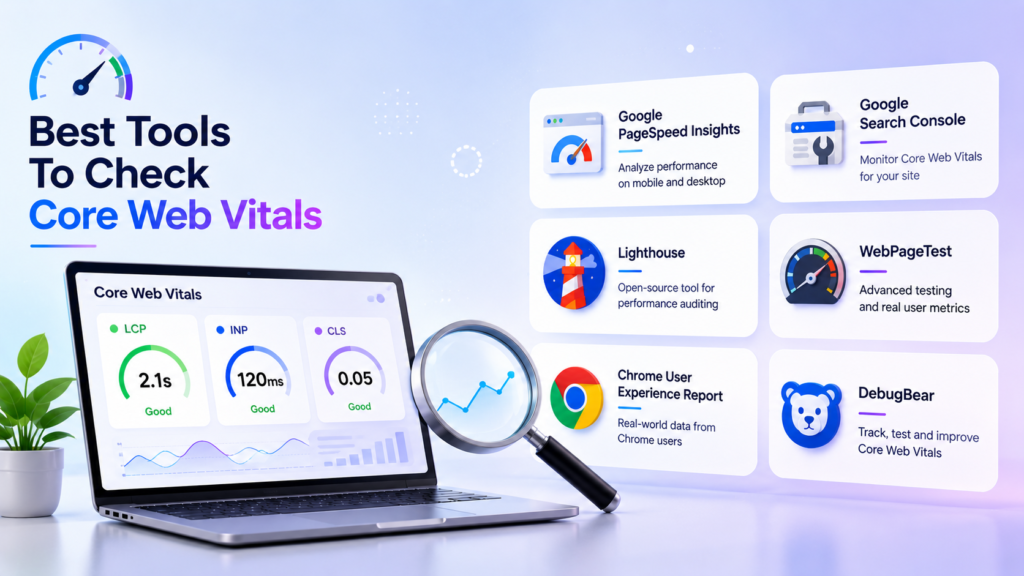
Google PageSpeed Insights, Google Search Console, and Lighthouse are among the most reliable tools for measuring Core Web Vitals. They help in identifying performance issues and offer recommendations to improve website speed, responsiveness, and overall user experience.
According to Google’s John Mueller, “A fast site is useful for users. “This statement highlights Google’s user-first approach to website performance. A fast-loading website creates a better user experience and supports SEO results. The Core Web Vitals vs. Google Page Experience debate measures specific performance metrics like loading speed and visual stability; Google Page Experience is a broader ranking signal, such as mobile-friendliness and safe browsing.
By improving loading speed, responsiveness, and visual stability, businesses can create a better experience. They can keep users engaged while strengthening their search performance. Passionate about web performance? Feel free to share your tips at tech write for us. Remember, the goal is simple: build a website that is both valuable and enjoyable to use.
Core Web Vitals are Google’s metrics for measuring page speed and visual stability.
Yes. They remain a key indicator of website user experience and the stability of the website.
A Largest Contentful Paint score of 2.5 seconds or less is considered as good.
You can use Google PageSpeed Insights, Search Console, or Lighthouse to measure Core Web Vitals.

As a tech-savvy Digital Marketing Specialist at Digital Concepts for the past five years, Sushmita Banerjee bridges the gap between complex tech and impactful storytelling. She channels her expertise into writing thought-provoking content covering everything from AI and software to the latest gadgets and breakthrough tech trends.