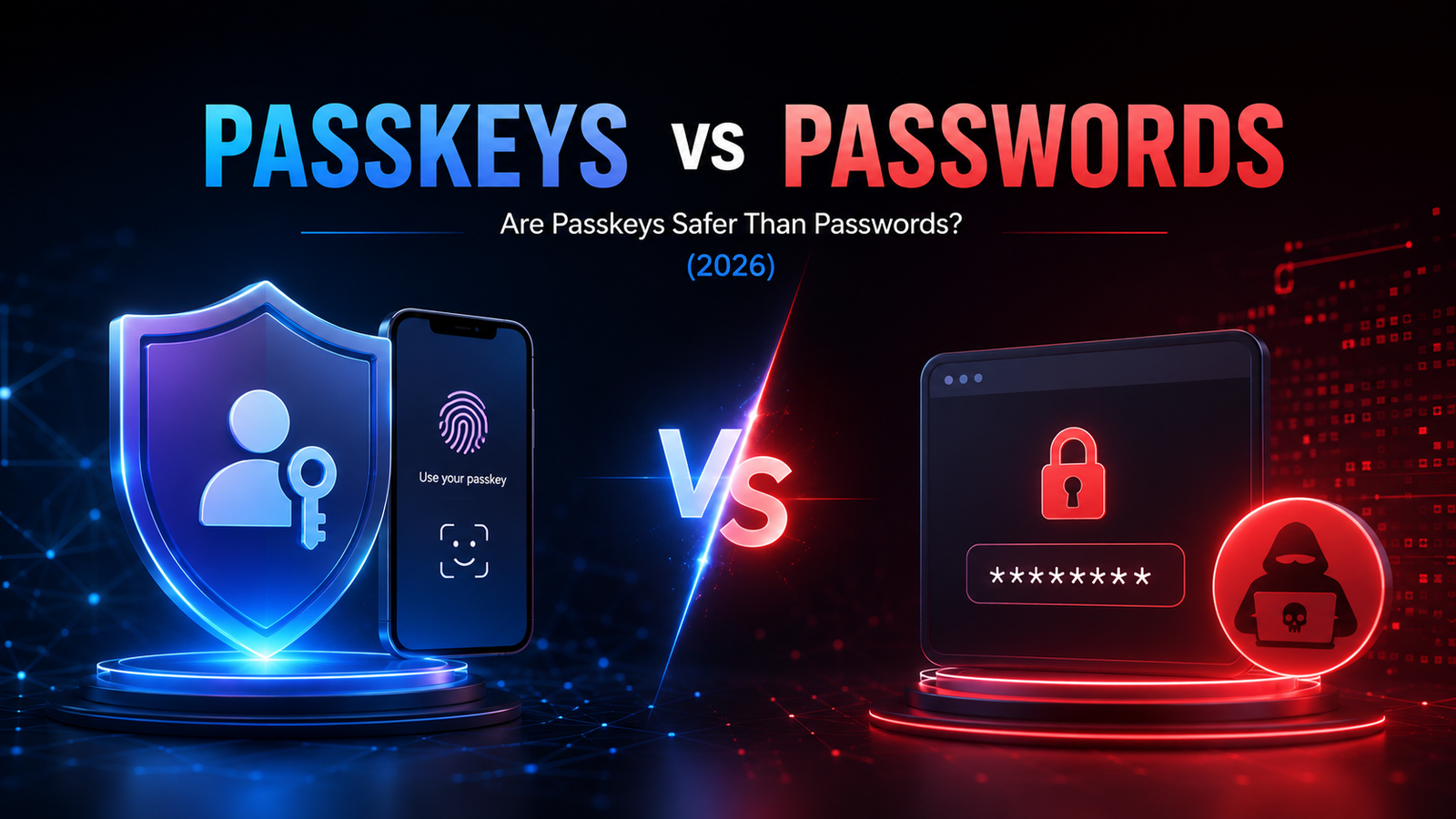
I used to think creating a strong password was enough to keep my online accounts safe. But as cyber threats became more common, I realized there had to be a better way. That’s when I started learning about passkeys. Passkeys are a type of login credential that remain on your device and are protected by Face ID, device PIN, etc. They promise stronger security, faster logins, and no passwords to remember.
There is a substantial difference between passwords and passkeys. A passwordless authentication method that offers stronger security and a smoother login experience. Whereas forgetting a password can sometimes cause disturbances while logging in.
Alongside secure authentication, following accessibility best practices ensures websites are easier to use for everyone, creating a smoother, more inclusive digital experience.
A password is a secret combination of letters, numbers, and symbols that verifies your identity when logging into an account. The debate between whether passkeys are better than passwords remains constant. In 2026, passkeys are gaining much popularity.
Passwords come with certain challenges. Common passwords can be stolen, fake websites can trick users using fake passwords, multiple accounts can be accessed, etc. Even with two-factor authentication (2FA), passwords remain a frequent target for hackers.
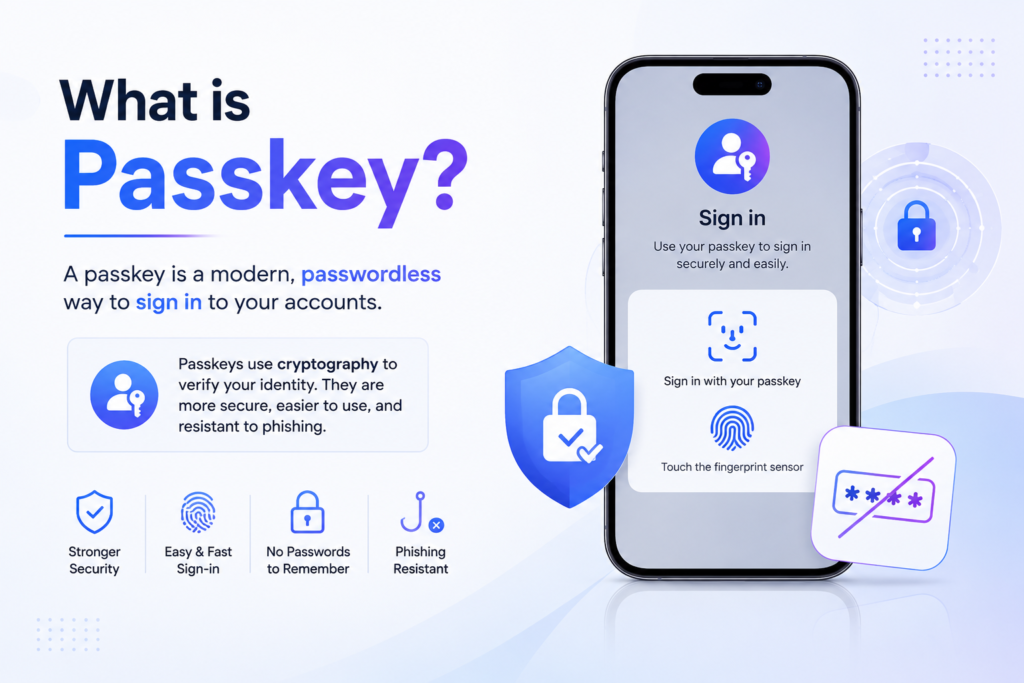
A passkey is a login credential that replaces passwords. A passkey is a passwordless login method based on public-key cryptography. Instead of creating and remembering a password, your device securely stores a cryptographic key.
So, how does a passkey work? When you sign in, your device holds the private key. Your device confirms your identity using fingerprints, device PIN(personal identification number), screen lock, etc. Your secret authentication key never leaves your device, making passkeys much more difficult for attackers to steal.
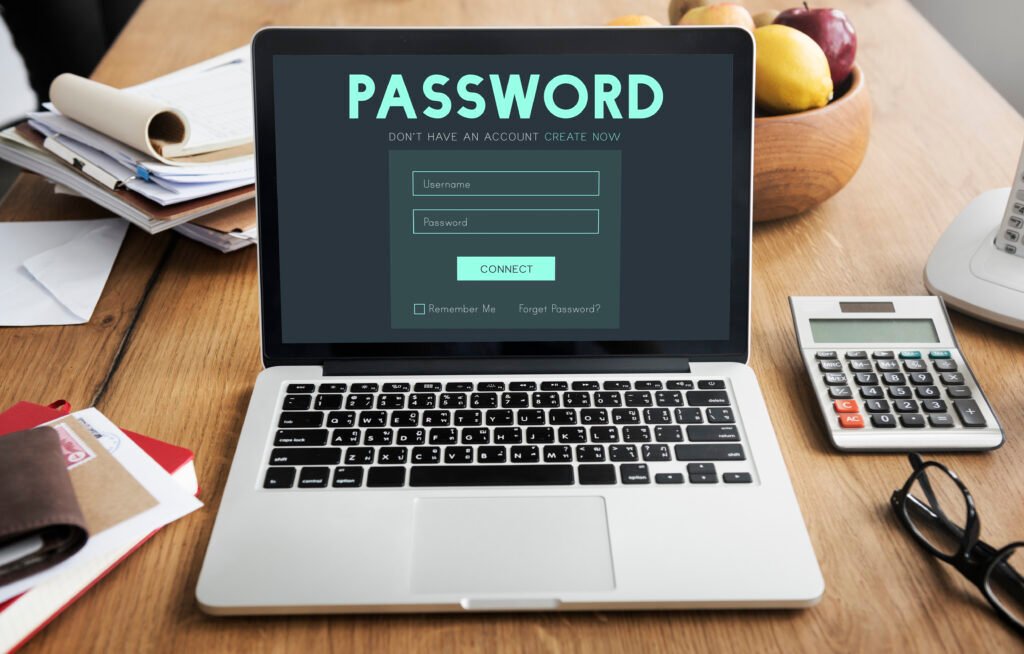
Passwords generally tend to be a weaker method of safety compared to passkeys. The question of how a passkey is different from a password is relevant here. Passwords are becoming less secure because cybercriminals now have more advanced tools to steal and reuse them. Some major cyber crimes include phishing attacks, credential stuffing, brute-force attempts, and data breaches.
Although there are different types of password managers, even strong passwords can be exposed if they are reused across multiple accounts or stored in various databases. As online threats continue to grow, passwords alone are no longer enough to provide reliable protection, which is why passwordless options like passkeys are gaining attention.
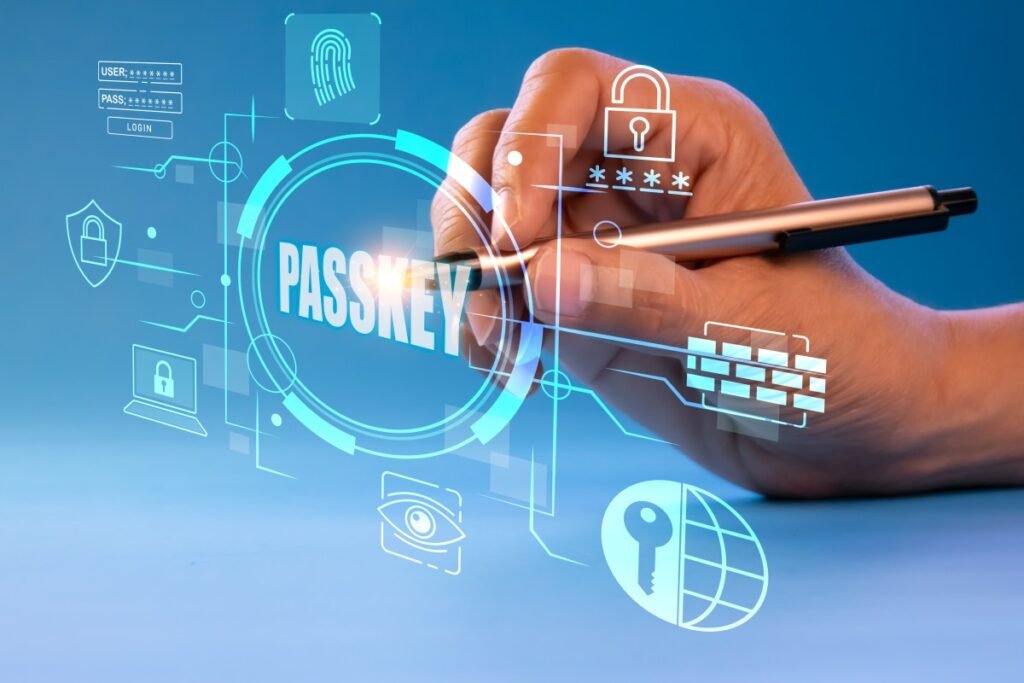
According to Microsoft Security, “The future is passwordless.” As cyber threats continue to evolve, many security experts believe passwordless authentication will become the standard for protecting digital identities.
Passkeys are safer in 2026 as they remove many of the risks that come with traditional passwords. A major passkey security benefit is that instead of relying on something you have to remember and type, passkeys use secure cryptographic keys stored on your device and unlocked with biometrics or a PIN.
There are many ways to set up a passkey on Android, iOS, and other devices. This installation makes it much harder for cyber criminals to steal, reuse, or trick users. As more websites and apps adopt passkeys, they are quickly becoming one of the most secure and convenient ways to protect online accounts.
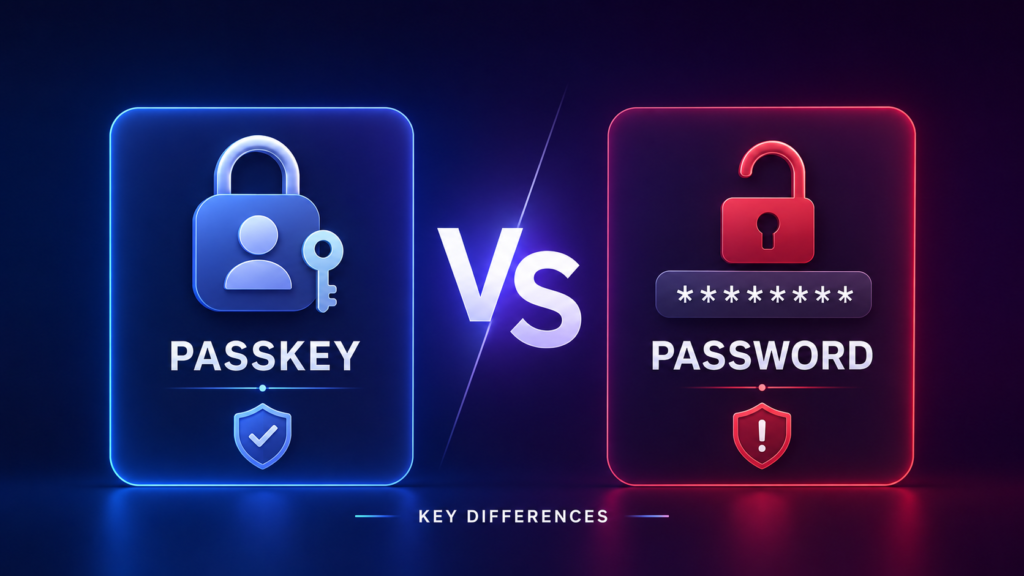
| Feature | Password | Passkey |
| How it works | You create and type a secret string | Your device uses cryptographic keys plus biometrics or a PIN |
| Security risk | Can be guessed, reused, or stolen | Private key stays on your device, making theft much harder |
| Phishing protection | Low | Very high |
| Login experience | Manual entry every time | Fast, device-based sign-in |
| Recovery | Often requires a password reset | Depends on device or account recovery options |
| Best for | Older systems and broad compatibility | Modern apps and stronger security |
Passkeys surely win the comparison, but they’re not free of trade-offs. There are several pros and cons of a passkey. These include low efficiency in account recovery, password fallback, ecosystem lock-in, and a few others.
Moreover, older devices may not fully support passkeys, a few websites may still rely on the traditional method, etc. However, the passwordless sign-in advantages are a huge relief. There is no need for you to remember a password anymore. With the advancement of technology, the protection of online documents has also evolved.
Google introduced passkey support across personal accounts, allowing users to sign in with fingerprints, facial recognition, or device PINs instead of passwords.
This was initiated as a passkey phishing protection tip. The move aimed to reduce phishing attacks while making sign-in easier across supported devices. This demonstrates the growing confidence in passkeys as a practical and secure authentication method.
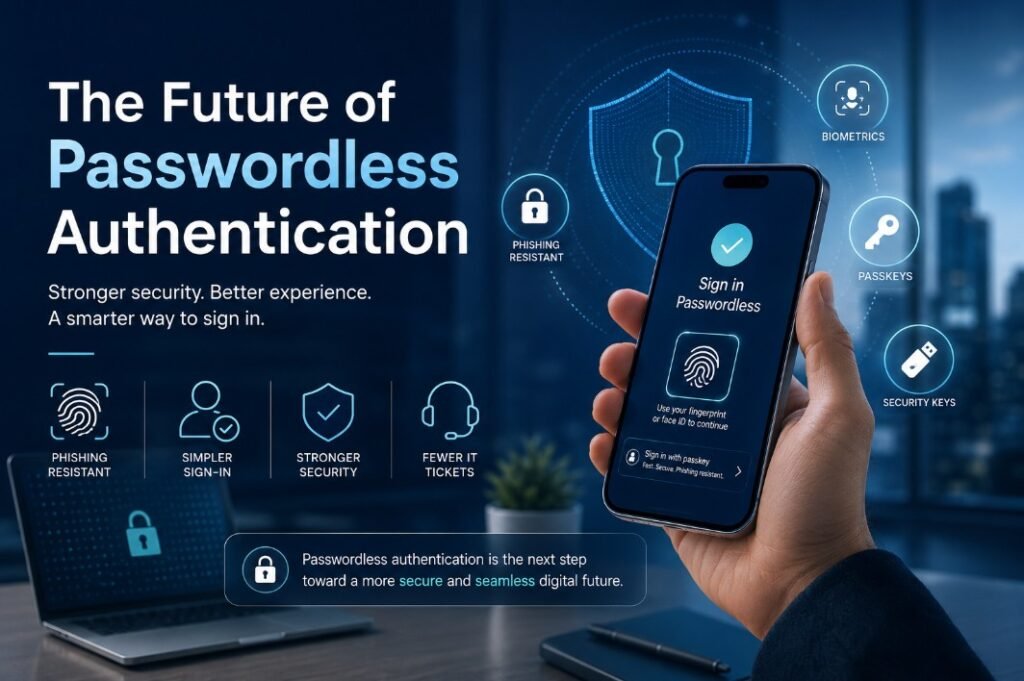
The transition from passwords to passkeys is already happening. More platforms are incorporating passkeys for better security. People now tend to remember fewer passwords. They can get access to faster logins, save their valuable information from cyber crimes, and enjoy a more seamless digital experience.
While not every website supports passkeys yet, adoption is growing rapidly. As more companies embrace passwordless technology, passkeys are expected to become one of the safest and most convenient ways to secure online accounts in 2026 and beyond. Making it easier for people to keep track of their online documents at ease. Whether you’re an individual protecting personal accounts or a business strengthening cybersecurity, switching to passkeys where available is a smart step toward a safer digital future. If you are interested in sharing your thoughts, send your tips to technology blogs: write for us.
A password is something you remember and type, while a passkey is securely stored on your device.
Yes. Passkeys offer stronger protection against cybercrimes than traditional passwords.
No system is completely hack-proof, but passkeys are much harder to compromise.
Passkeys provide stronger security, faster logins, no passwords to remember, and better protection against phishing attacks.
You can usually recover your passkeys using your account’s recovery options within a period of time.

As a tech-savvy Digital Marketing Specialist at Digital Concepts for the past five years, Sushmita Banerjee bridges the gap between complex tech and impactful storytelling. She channels her expertise into writing thought-provoking content covering everything from AI and software to the latest gadgets and breakthrough tech trends.