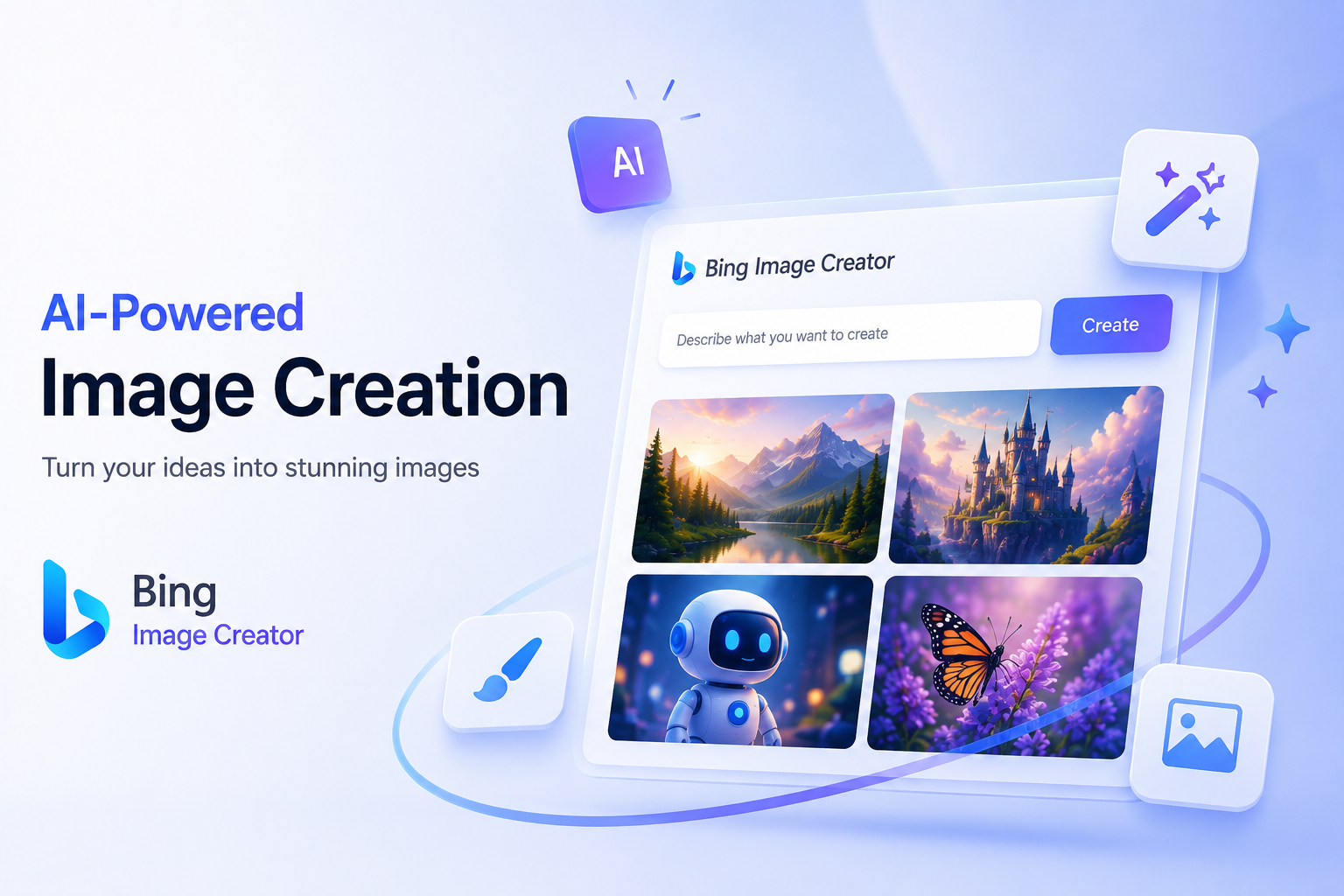
Have you heard about Bing Image Creator, Microsoft’s recently launched tool? What purpose does this tool serve? Are there any drawbacks? Such questions are only likely to hover in your mind.
So, here is the image creator tool from Microsoft. Take a closer look at this tool to know what it is all about.
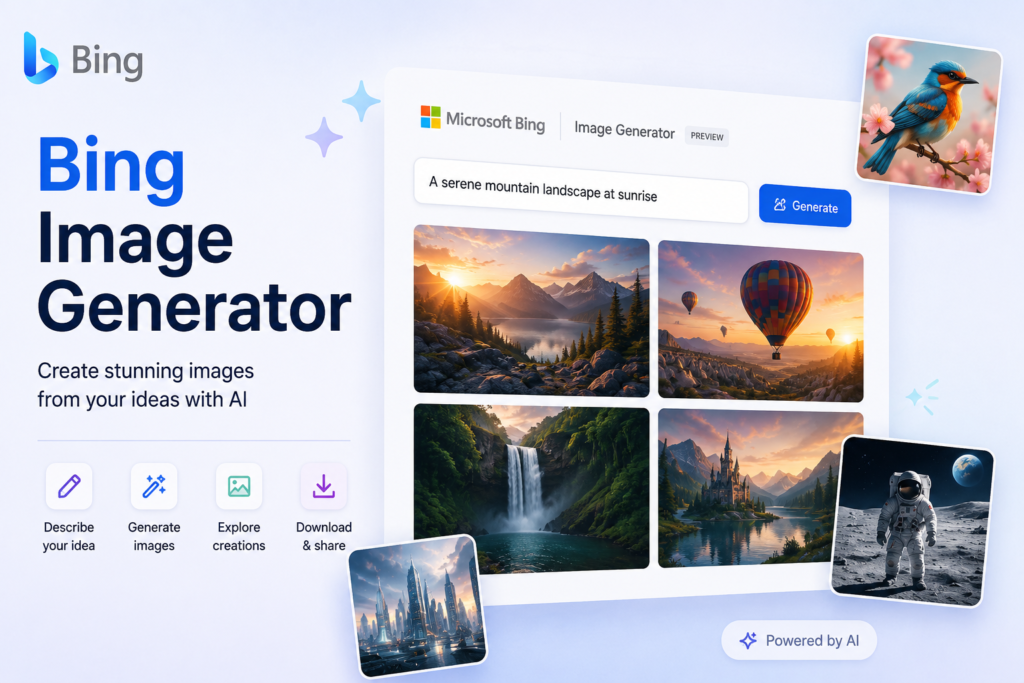
Microsoft Bing Image Creator is an AI-powered image generation tool that creates high-quality visuals from simple text descriptions. According to Global Tech Council, it’s now powered by OpenAI’s latest DALL-E image generation models, delivering more realistic, detailed, and creative images than earlier versions. Instead of being limited to Bing Search, Image Creator is now integrated into Microsoft Copilot and is also accessible through the Bing website and Microsoft Edge, making AI image generation more convenient across devices.
All you need is a descriptive prompt for Bing Image Creator, such as “A futuristic city skyline at sunset in a cyberpunk style with flying cars and neon lights.” The AI interprets your description and generates multiple image variations within seconds. You can refine the prompt by specifying the art style, lighting, camera angle, colors, or aspect ratio to achieve more accurate results.
Whether you’re a designer, marketer, blogger, or content creator, Bing Image Creator offers a fast and accessible way to generate unique AI visuals without requiring any graphic design experience.
The quality of the image generated by Bing Image Creator depends largely on the prompt you provide. A short prompt like “a dog in a park” may produce a decent image, but adding details about the subject, setting, lighting, colors, camera angle, and artistic style helps the AI generate far more accurate results.
A good prompt should answer questions like:
Here are a few sample prompts:
The more descriptive your prompt is, the better Bing Image Creator can understand your vision and produce images that closely match your expectations.
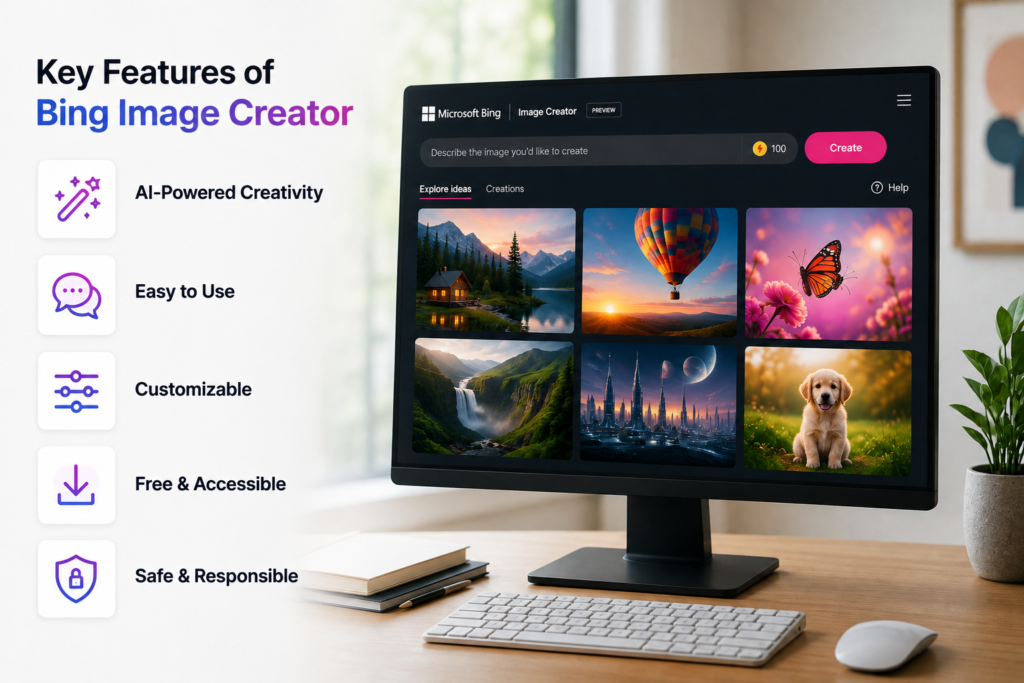
Bing Image Creator offers several powerful features that make AI image editing and generation simple for beginners and professionals alike.
These features make Bing Image Creator one of the most accessible AI image generators available today.
Bing Image Creator is free for anyone with a Microsoft account. Users receive daily Boosts, which prioritize faster AI image generation. After these Boosts are used, you can continue generating images, although processing times may be slower. Additional Boosts can be earned through the Microsoft Rewards program by completing eligible activities.
There’s currently no standalone paid subscription for Bing Image Creator. However, users with certain Microsoft Copilot Pro benefits may experience faster AI services and enhanced Copilot features, although image generation remains available to free users.
Bing Image Creator has made AI-powered image generation faster, more accessible, and easier than ever.
Whether you’re a designer, marketer, content creator, educator, or hobbyist, it lets you transform simple text prompts into high-quality visuals in just a few clicks. By learning how to write effective prompts and understanding its features and limitations, you can get the most out of the tool.
As Microsoft’s AI capabilities continue to evolve, Bing Image Creator is set to remain a valuable platform for creating creative, professional-looking images without the need for advanced design skills.
Sign in with a Microsoft account, open Bing Image Creator or Microsoft Copilot, enter a detailed prompt, and click Create to generate AI images.
Bing Image Creator uses OpenAI’s advanced DALL·E image generation models to create realistic and artistic images from natural language prompts.
Use clear, descriptive prompts that include the subject, location, lighting, art style, colors, mood, and composition for more accurate AI-generated images.
Bing Image Creator is free with a Microsoft account. Users receive daily Boosts for faster image generation and can earn more through Microsoft Rewards.
Limitations include restricted content policies, limited daily Boosts, occasional AI inaccuracies, and fewer editing features than professional photo editing or graphic design software.
As a tech-savvy Digital Marketing Specialist at Digital Concepts for the past five years, Sushmita Banerjee bridges the gap between complex tech and impactful storytelling. She channels her expertise into writing thought-provoking content covering everything from AI and software to the latest gadgets and breakthrough tech trends.