When I first started working remotely, I assumed emails and video calls would be enough. But as projects grew, deadlines became challenging. Then I came across SaaS. Instead of juggling multiple apps, they collaborate seamlessly using tools like Microsoft Teams, Slack, or Asana, keeping communication secure and easily navigable.
The best SaaS collaboration platforms act as a great platform for remote teams to coordinate. It includes transparency and proper file sharing, which helps in avoiding hunts for the latest documents across multiple apps. Let’s take a closer look at them.

SaaS (Software as a Service) is a cloud-based application that makes remote work easier. Platforms like Microsoft Teams, Slack, Asana, Notion, and ClickUp are remote team collaboration tools that offer features such as real-time communication, task management, and workflow automation. Choosing the right platform depends on your team’s size, budget, and collaboration needs, helping improve productivity and streamline remote work.
According to Stewart Butterfield, “Work is no longer a place you go. It’s something you do.” This reflects why collaboration platforms have become essential for modern remote teams.

SaaS project management software is a guide designed for teams that want a central system to access and manage their work schedule while staying remote.
Without a centralized platform, remote teams often struggle with miscommunication, less coordination, scattered files, limited project visibility, and many more issues. Cloud-based collaboration apps solve these challenges by bringing communication, documents, and tasks into one place, helping teams stay organized, productive, and connected no matter where they work.

Top SaaS tools for remote work help teams perform more efficiently.
They reduce confusion and miscommunication, making it easier for team members to collaborate in real time, regardless of their location. With features like cloud storage and workflow automation, these platforms save time, boost productivity, and ensure projects stay on schedule.
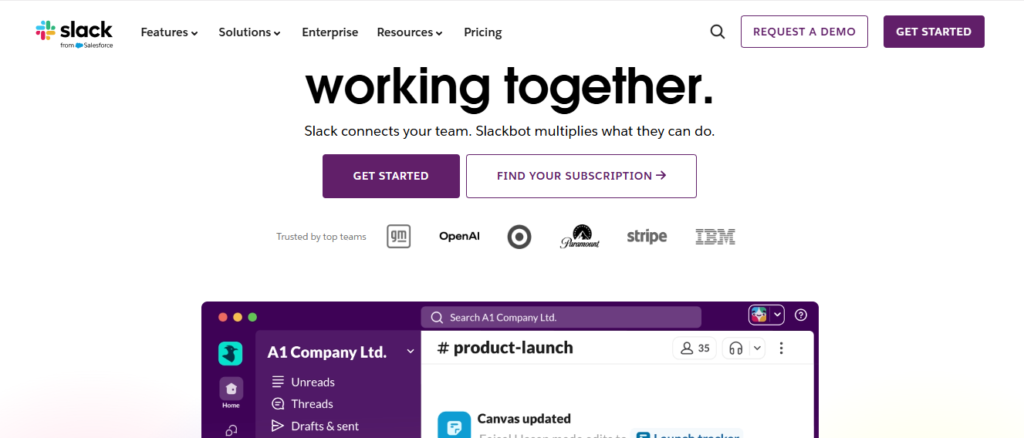
One of the most important remote productivity SaaS tools is Slack. It is a popular messaging platform designed to improve workplace communication. It provides channel-based communication and proper app integrations.
Advantages: It supports voice calls, file sharing, and thousands of third-party integrations. Slack is also considered the most prominent team communication SaaS app. It keeps the team connected, which initiates proper project execution. Its clean interface makes it one of the easiest collaboration tools. Moreover, it isUser-friendly and conducts organized team communication.
Disadvantages: Although filled with benefits, there are a few limitations as well. Limited message history on the free plan and less coordination with too many channels are the major drawbacks.
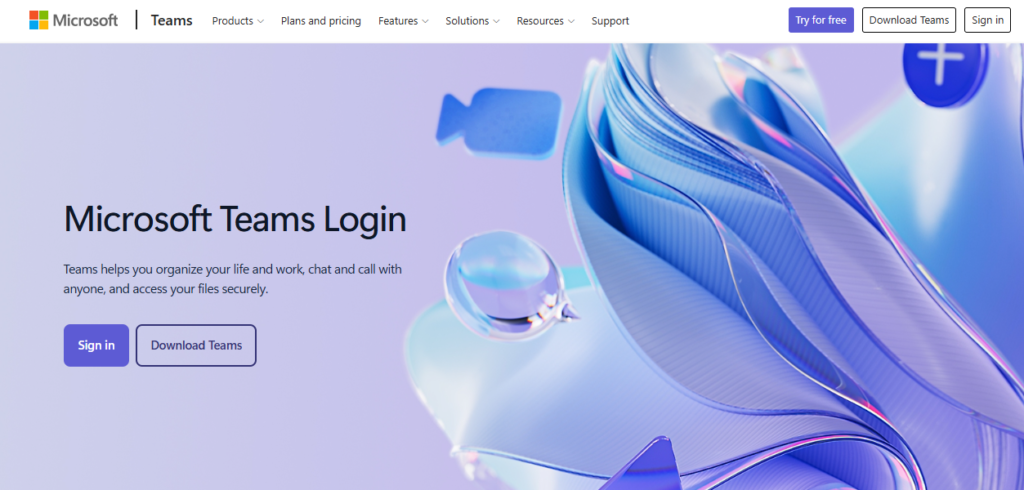
A major SaaS management platform is Microsoft Teams. Microsoft Teams is a comprehensive collaboration platform that combines team chat, video conferencing, file sharing, and seamless integration with Microsoft 365 apps like Word, Excel, and PowerPoint.
Advantages: It offers deep office integrations, allowing employees to communicate and collaborate without switching between multiple applications. It is also considered one of the top SaaS tools for managing distributed teams. Seamless integration, excellent features, and secure communication make it ideal for remote work.
Disadvantages: Some drawbacks include advanced paid plan features and a complex orientation structure for first-time users.

Google Workspace is considered the best SaaS project management software for startups. It is a cloud-based collaboration suite that includes Gmail, Google Drive, Docs, Sheets, Slides, Meet, and Calendar. It enables teams to create, edit, and share documents in real time while communicating through video meetings and email.
Advantages: Its seamless collaboration features make it an excellent choice for remote teams. Google Workspace provides real-time documentation. Moreover, it is easy to use and has secure cloud storage. Google Workspace is also considered the best SaaS collaboration platform for hybrid teams. It is flexible and can be used on any device with proper network stability.
Disadvantages: Some drawbacks include low built-in project management features, and advanced security and storage options require higher-tier plans.
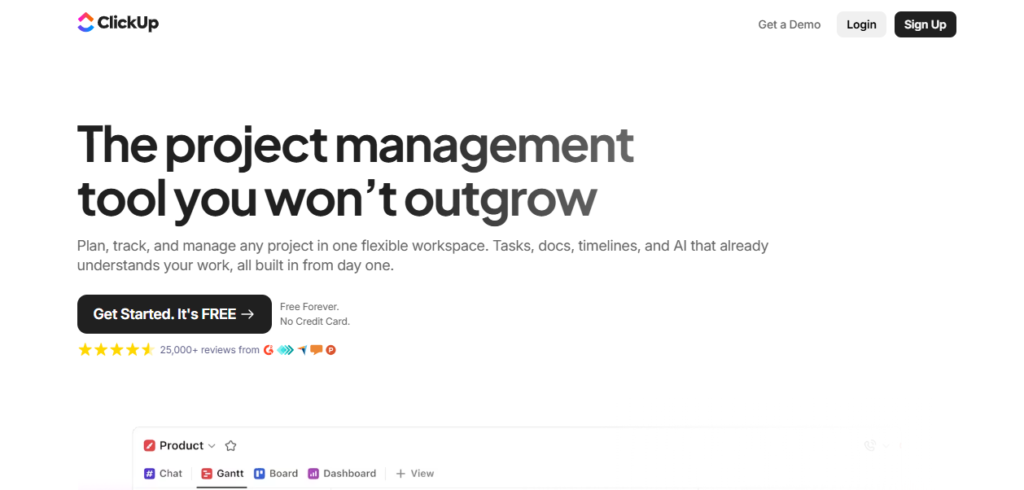
ClickUp is an all-in-one productivity platform that brings together project management, task tracking, document management, goal setting, dashboards, and automation. It is considered one of the best SaaS collaboration tools for secure remote work. Moreover, it offers multiple project views, making it suitable for both small businesses and large enterprises.
Advantages: It is an all-in-one workspace. It has rich productivity set across tasks, docs, whiteboards, and goals. Highly customizable workflows and a built-in time tracking function make ClickUp one of the best SaaS collaboration platforms for remote teams in 2026.
Disadvantages: Although there are many uses of ClickUp, the drawbacks include a crowded interface and a time-consuming initial setup.
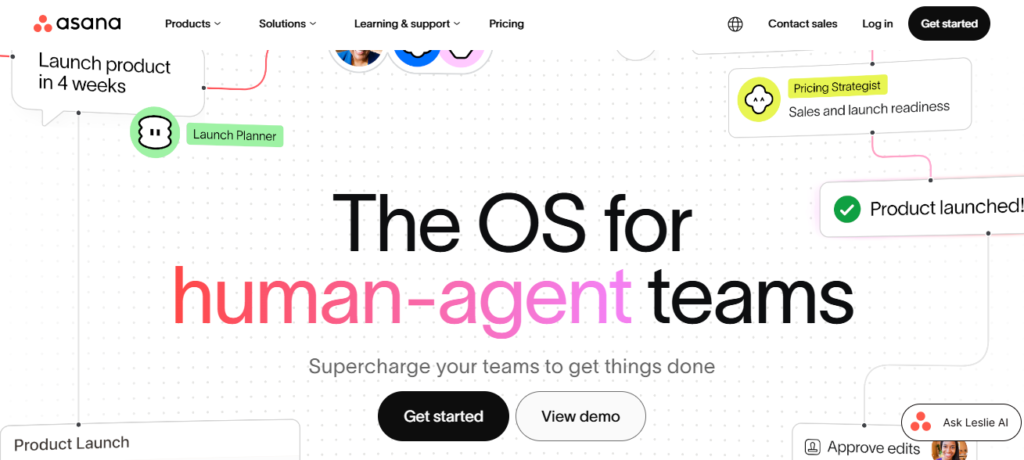
How to choose SaaS collaboration tools for remote work now has a perfect answer. Asana is a project management platform that helps teams organize tasks, assign responsibilities, set deadlines, and monitor project progress. Its USP is cross-functional project execution. Its task dependencies and timelines help keep projects organized and ensure everyone stays aligned from start to finish.
Advantages: It is especially useful for marketing, software development, and operations teams that need clear visibility into ongoing work. It is one of the most important collaboration software for distributed teams. Moreover, it has a simple, user-friendly project tracking approach that improves productivity.
Disadvantages: These include advanced reporting, which is available only in premium plans. Additionally, it may require time to set up complex workflows.
| Collaboration Need | Why It Matters for Remote Teams | Recommended Tool |
| Instant communication | Reduces delays and keeps discussions organized | Slack |
| Enterprise collaboration | Connects meetings, files, and Office apps in one place | Microsoft Teams |
| Cross-functional project execution | Coordinates tasks and deadlines across departments | Asana |
| Knowledge management | Stores company information and documentation centrally | Notion |
| Real-time document collaboration | Enables multiple users to edit and share files simultaneously | Google Workspace |
When Airbnb shifted to a more flexible and distributed work model, it relied on SaaS workflow automation. Airbnb mostly relied on collaboration platforms such as Google Workspace and Slack to keep global teams connected.
These tools enabled employees to communicate in real time, collaborate on shared documents, and manage projects efficiently across different time zones.

According to Satya Nadella, Chairman and CEO of Microsoft, “The art of how teams work together is going to be central.” This highlights that successful remote work depends not only on technology but also on how effectively teams work together following the digital rules.
Choosing the right SaaS collaboration platform depends on your team’s size, workflow, and business goals. Whether it is a SaaS management platform for IT, governance, or remote team communication. Look for features such as project management, file sharing, security, and integration with the tools you already use.
The right SaaS collaboration platform can make remote work more organized, efficient, and productive. As remote and hybrid work continue to evolve, investing in a reliable collaboration platform is essential for keeping teams connected and achieving long-term success. Remember, a platform that is easy to use and scalable will help your remote team collaborate more efficiently as your business grows.
If you enjoy sharing insights on workplace technology, share your tips at tech write for us. Remember, a platform that is easy to use and scalable will help your remote team collaborate more efficiently as your business grows.
Microsoft Teams, Slack, ClickUp, and Asana are among the most popular choices, depending on your team’s needs.
Slack and Notion are excellent options for small businesses.
Most leading platforms provide multi-factor authentication and user permissions to help protect business data.
Yes. Most SaaS collaboration platforms integrate with CRM systems, cloud storage, email services, and other productivity apps.

As a tech-savvy Digital Marketing Specialist at Digital Concepts for the past five years, Sushmita Banerjee bridges the gap between complex tech and impactful storytelling. She channels her expertise into writing thought-provoking content covering everything from AI and software to the latest gadgets and breakthrough tech trends.