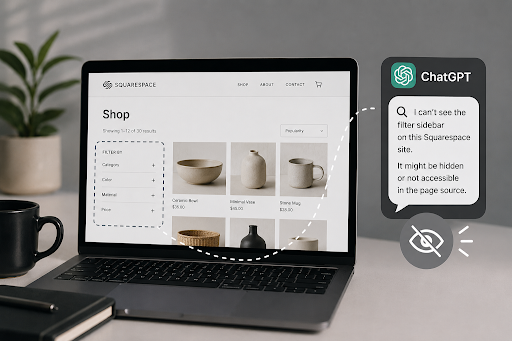
You spend weeks organizing your Squarespace shop. You group your products beautifully, add perfect tags, and set up a slick filtering sidebar. When a customer lands on your homepage, they can find exactly what they need in just two clicks. You feel like an absolute genius.
But then, you go to ChatGPT or Perplexity and ask for recommendations in your niche. Your store is nowhere to be found. Why? Well, your human customers might love clicking through custom filters, but AI search engines don’t “click” buttons. They can’t interact with checkboxes. To them, your filtered pages might as well not exist.
As search behavior changes, you have to think about traditional SEO and the new world of Answer Engine Optimization (AEO). If you’re looking for a dedicated Squarespace SEO plugin to magically fix this, Squarespace already handles the basic technical setup out of the box. However, when you want to bridge the gap between human user experience and AI-readable data, you need to be a bit more strategic.
Here’s how advanced filtering actually impacts your search visibility, and how to make sure AI bots don’t miss your website.
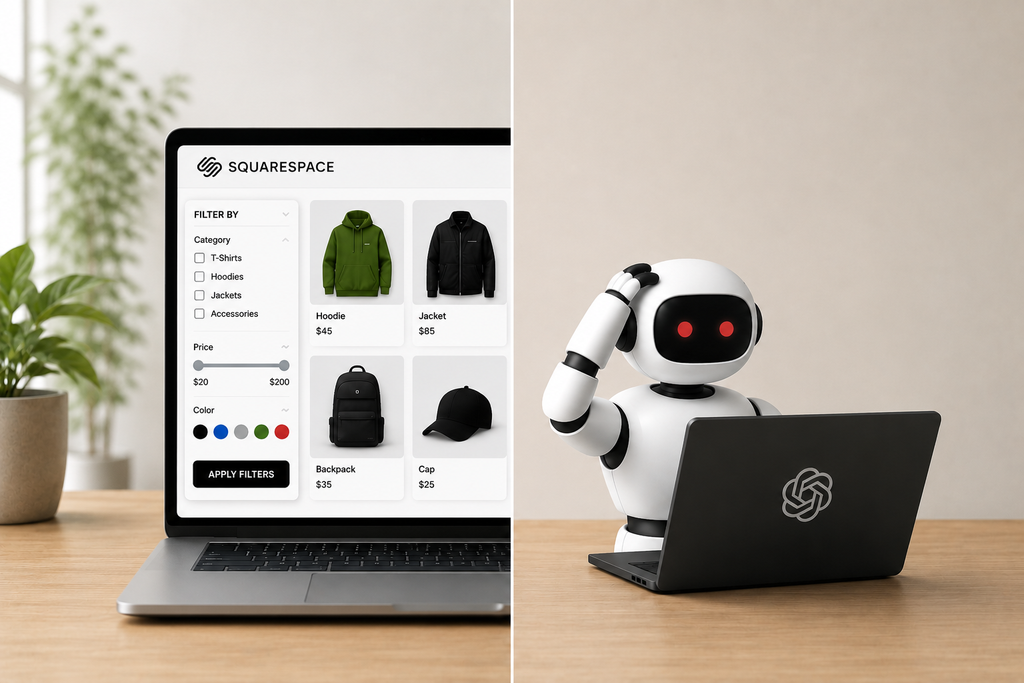
Before we worry about the robots, let’s talk about your human visitors. If you have a large store or blog, standard navigation can feel like a maze. Many filtering systems rely on JavaScript. Adding advanced filtering to your website is one of the best plugins for Squarespace setups you can invest in because it keeps people on your page.
When users can sort your catalog by size, color, or topic instantly, your dwell time goes up and your bounce rate drops. Google notices when people hang out on your website instead of hitting the “back” button. Plus, clean filtering means search engine crawlers can navigate your website structure easily without getting lost in deep, messy page systems.
Here’s the catch with modern AI search. Tools like Gemini and ChatGPT scan the website content and structured data on your website. They don’t trigger JavaScript to see what happens when someone filters for “blue cotton shirts.”
If your core collections are buried and only accessible through interactive sidebar filters, AI bots will skip right over them. They want flat, static, easy-to-read content. They want to read your text, grab the answer, and cite your page in their search results. If the AI can’t crawl your items directly, it will simply move on to a competitor’s website that has the information laid out clearly. Thus, Google recommends making important content easily accessible to crawlers.
You don’t have to choose between a great user experience and AI visibility. You just need to set things up the smart way.
This is where finding the right tools from a trusted Squarespace plugins store makes all the difference. Instead of trying to code complex databases yourself, you can use pre-built solutions. For example, the Universal Filter plugin from Square Websites lets you create incredibly fast, dynamic search and filter systems for your products, blogs, or portfolios. It gives your human visitors the seamless experience they expect, without messing up your clean URL structure for search crawlers.
As the web continues to evolve, focusing on clean code and smart design will keep your website future-proof. If you’re ready to make your website easier to navigate, check out some of the best Squarespace plugins available today. It’s the easiest way to keep both your human customers and the search bots happy.
At the end of the day, search is no longer just about Google ranking pages. It’s about being the source that humans love to use, and AI loves to cite.
FAQs:
To balance human user experience with AI visibility, ensure your most important filtered categories also exist as flat, static standalone landing pages. Add robust, backend tags, clear schema markup, and crawlable text links so AI search bots can index your filtered options effortlessly.
Instead of writing complex code, you can use the Universal Filter plugin from Square Websites. It builds seamless, fast, interactive filtering for human users while preserving a clean, static URL structure that traditional and AI search engines can easily read.
Not at all. Optimizing for AI search aligns perfectly with modern search engine guidelines. Creating flat architectures and standalone pages helps both traditional Google crawlers and AI bots index your content efficiently, which actually boosts your baseline organic traffic and decreases bounce rates.
This Squarespace Universal Filter tutorial video provides a practical walkthrough on setting up the plugin featured in the blog post to bridge the user experience and SEO gap

As a tech-savvy Digital Marketing Specialist at Digital Concepts for the past five years, Sushmita Banerjee bridges the gap between complex tech and impactful storytelling. She channels her expertise into writing thought-provoking content covering everything from AI and software to the latest gadgets and breakthrough tech trends.