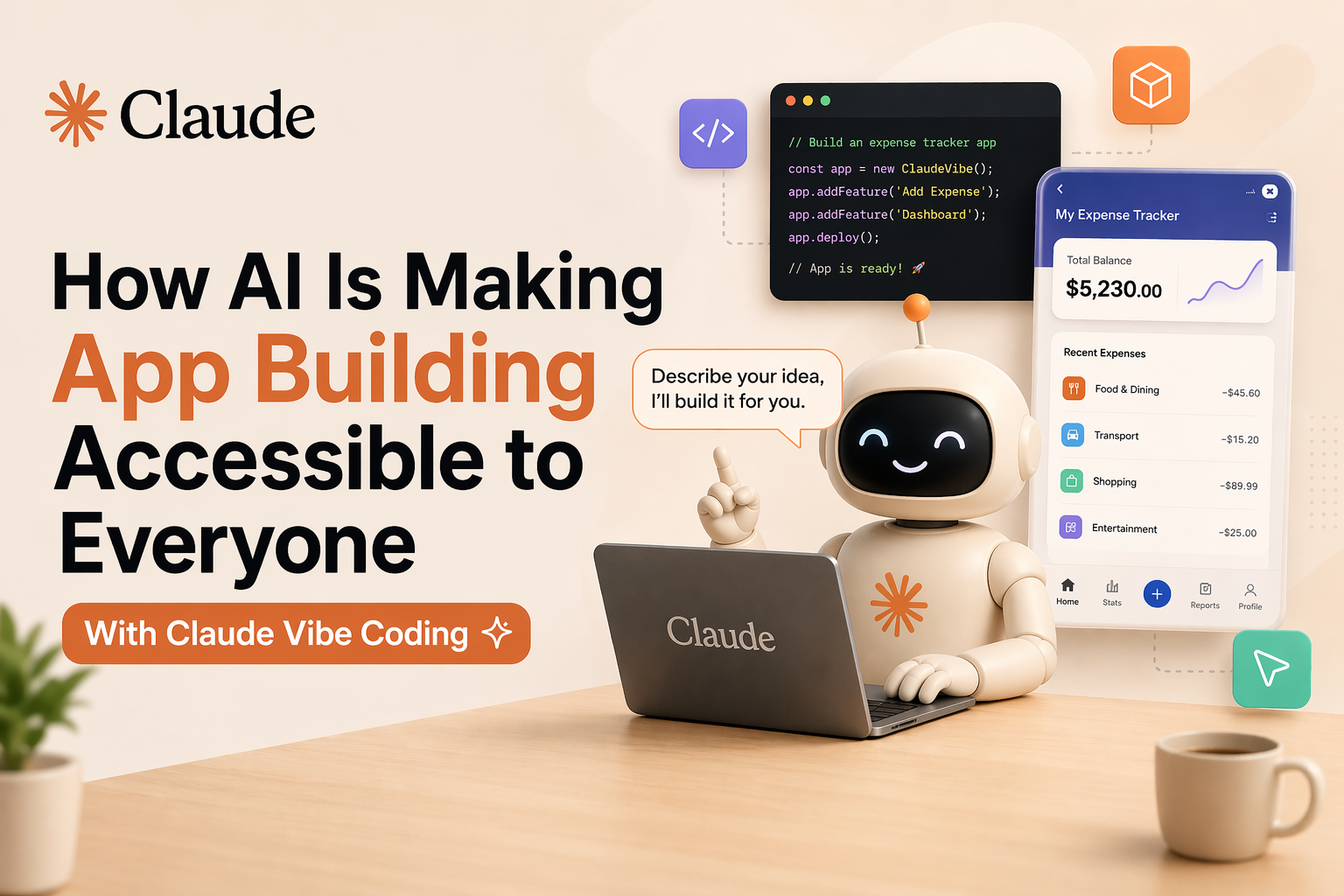
What if you could build a fully working web app in an afternoon—without writing a single line of code? That’s not a hypothetical anymore. Thanks to Claude Code, thousands of people are doing exactly that, and the movement driving it has a name: vibe coding.
If you’ve been hearing this term and wondering what it actually means in practice or whether it’s worth adding to your workflow, this guide to Claude AI vibe coding breaks it all down.

The term “vibe coding” was coined in February 2025 by Andrej Karpathy, a former OpenAI researcher, to describe a new way of building software. Instead of writing code manually, you describe the app you want in simple language, and an AI writes the code for you.
Vibe coding is a fresh way to build software using AI. Instead of writing every line of code or explaining every technical detail, you use your intuition and natural language to describe how the app should feel. You set the “vibe,” and the AI handles the heavy lifting.
Reports show that 63% of people using “vibe coding” are not professional developers. They are creating entire apps and tools just by talking to the AI. Additionally, Y Combinator noted that in 2025, a quarter of new startups had 95% of their code written by AI.
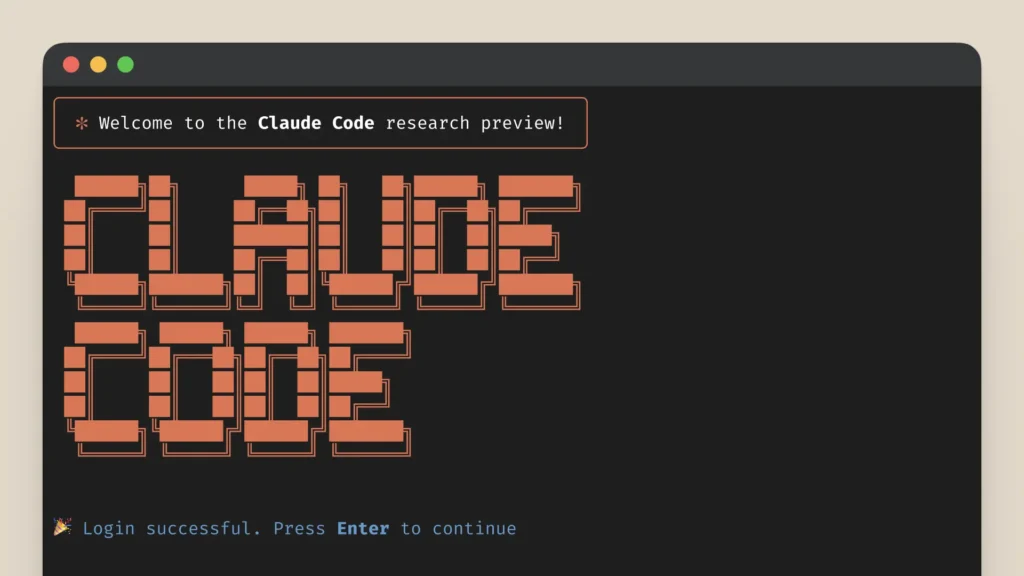
Claude Code is software created by Anthropic for vibe coding (writing code with natural language). Like Excel or GarageBand, Claude isn’t the first platform to try this, but it’s the first to nail the anybody-can-do-this feeling.
Claude Code is a large language model turned specifically to helping developers build things in code. You install it in the directory where your project resides, and it runs on the command line. Claude Code can read your entire application structure, understand it, answer questions about it, and most importantly, make changes to it that you ask for in simple language.
Getting good results from Claude Code isn’t just about throwing prompts at it. These Claude AI coding tips make a real difference.
Vague instructions like “make it better” produce inconsistent results. Specific instructions, like “add a dark mode toggle to the settings page,” give Claude something concrete to act on.
Claude Code has a Plan Mode that lets you review what Claude intends to do before it touches any files. Use it for complex changes. Instead of letting Claude go down rabbit holes, review every plan before execution and actively course-correct. This leads to dramatically more predictable and useful sessions.
Don’t ask Claude to build an entire authentication system in one prompt. Ask for the login form first, then the session logic, then the error handling. Each step is easier to verify.
If Claude is going in the wrong direction, interrupt it early. The longer it runs on the wrong path, the more you’ll need to undo.
Starting with a file like ‘claude.md’ and giving Claude thorough instructions sets the foundation for every subsequent conversation.
For personal tools, local hosting is fine. For anything client-facing, ask Claude to help you deploy to services like Netlify, Vercel, or GitHub Pages. It can handle the setup.
The app development workflow with Claude Code is different from traditional development, but it’s not magic. Claude Code accelerates the initial 80% of development. The final 20% (production deployment, security hardening, and optimization) is where professional developers provide indispensable value.
For solo projects and MVPs, Claude AI vibe coding is already production-ready. For enterprise-grade software with complex architecture, it remains a powerful accelerator rather than a full replacement for engineering teams.
Improved vibe coding has the ability to change who gets to make things and whether or not you even need to program. “We are in a new era of autonomous coding. You can build astonishingly complex apps without looking at a single line of code,” as Dan Shipper of Every puts it. AI coding tools also expedite this process.
That said, technical literacy still helps. In this entire process, knowing what to ask for at the start (frameworks, coding guidelines) and reeling Claude in when it goes off the rails is critical. Keeping things on track is a large part of the work.
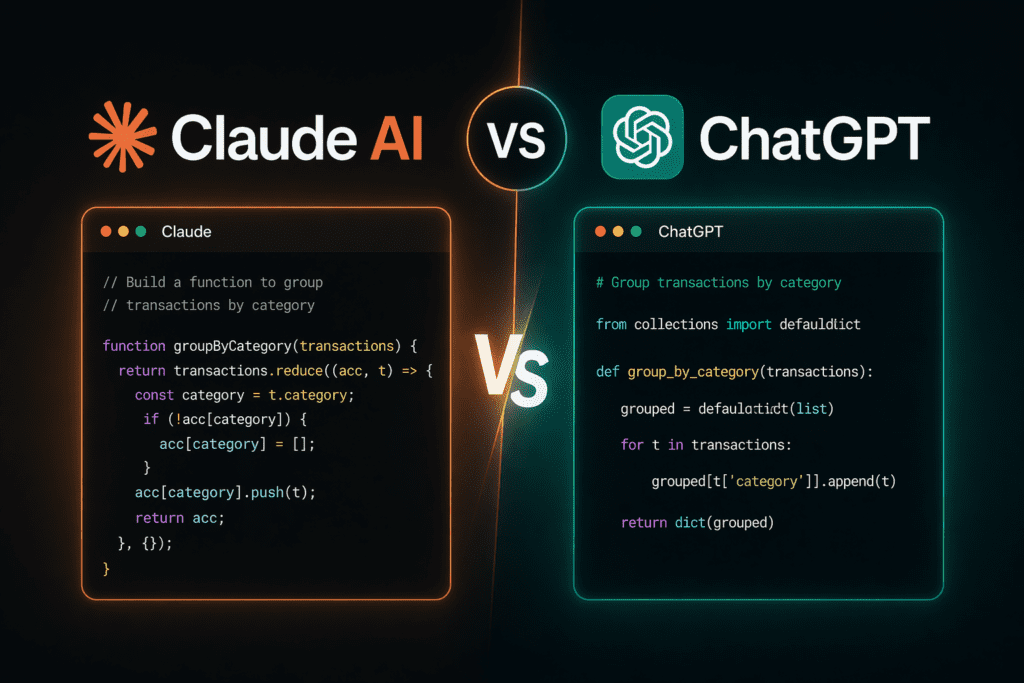
This is where developers get opinionated. Both Claude and ChatGPT are capable tools for coding. But they differ depending on your workflow.
Claude dominates coding benchmarks and developer preference surveys across the board. SWE-bench Verified gives Claude Opus 4.6 a score of 80.8%. GPT-5.4 lands at approximately 80%, with Claude holding the lead consistently since early 2026.
Recent surveys from late 2025 and early 2026 reveal that about 70% of developers choose Claude Sonnet 4.6 as their favorite tool for coding.
Claude usually produces more structured and production-ready frontend code. When working across multiple React or Next.js files, it usually keeps state and component logic consistent. This way, you spend less time fixing mismatches. Its larger context window also helps it keep track of dependencies in bigger projects.
ChatGPT, by contrast, generates functional code quickly. It’s best for small components or prototypes, but for larger projects, its output may require more iteration to align state and logic across files.
Claude followed complex rules and specific limits much better on the first try. GPT-5.4 sometimes missed certain requirements or changed the intent of the instructions.
Choosing between Claude and ChatGPT comes down to what you value most. Claude focuses on being careful, making fewer mistakes, and writing great code. ChatGPT focuses on being fast, covering many different topics, and creating things like images and audio.
For vibe coding to create an app, Claude is the stronger choice. For a broad creative toolkit, ChatGPT earns its place.
If you’re a developer, it’s worth learning how to work with Claude AI vibe coding. If you’re a non-tech person with an app idea, the gap between your idea and a working prototype has never been smaller. Send us your thoughts to Write For Us: Tech.
Claude Code is an AI-powered coding assistant that lives in your terminal, helping you build features, fix bugs, and automate development tasks. It’s like having a coding buddy that’s super smart and understands your codebase. Claude Code can edit files, run commands, and even manage git tasks, all through natural language conversations.
Vibe coding is an approach where AI agents handle the coding heavy lifting. You just give them high-level directions in plain language. With vibe coding, you don’t have to get bogged down in syntax details anymore. Coined by Andrej Karpathy in 2025, it’s all about speeding up development and letting creativity flow.
Vibe coding apps benefit non-tech founders, designers, and product managers. They can now turn ideas into apps without coding, plus speed up development for developers, too.
Claude Code lets you build a wide range of apps, including:
No, vibe coding isn’t replacing traditional programming. It’s great for rapid prototyping, experimentation, and handling routine tasks, but complex, custom projects will still need conventional coding.

Mr. Robert Willson is one of the few geeks who never gets tired when it comes to technology. From the latest gadgets to AI and machine learning, Mr. Willson translates them into easy-to-digest insights. Where there is tech, there is him!
 OnePlus Nord CE6 Series: Price, Features, and Launch Offers Explained
 10 AI Photo Editing Trends Taking Over Instagram in 2026
 Designing for Accessibility: How WCAG Guidelines Benefit Online Businesses?
 Guide to Creating Modern UI Layouts with Bento Grid
 Self-Publishing vs Traditional Publishing in Canada